
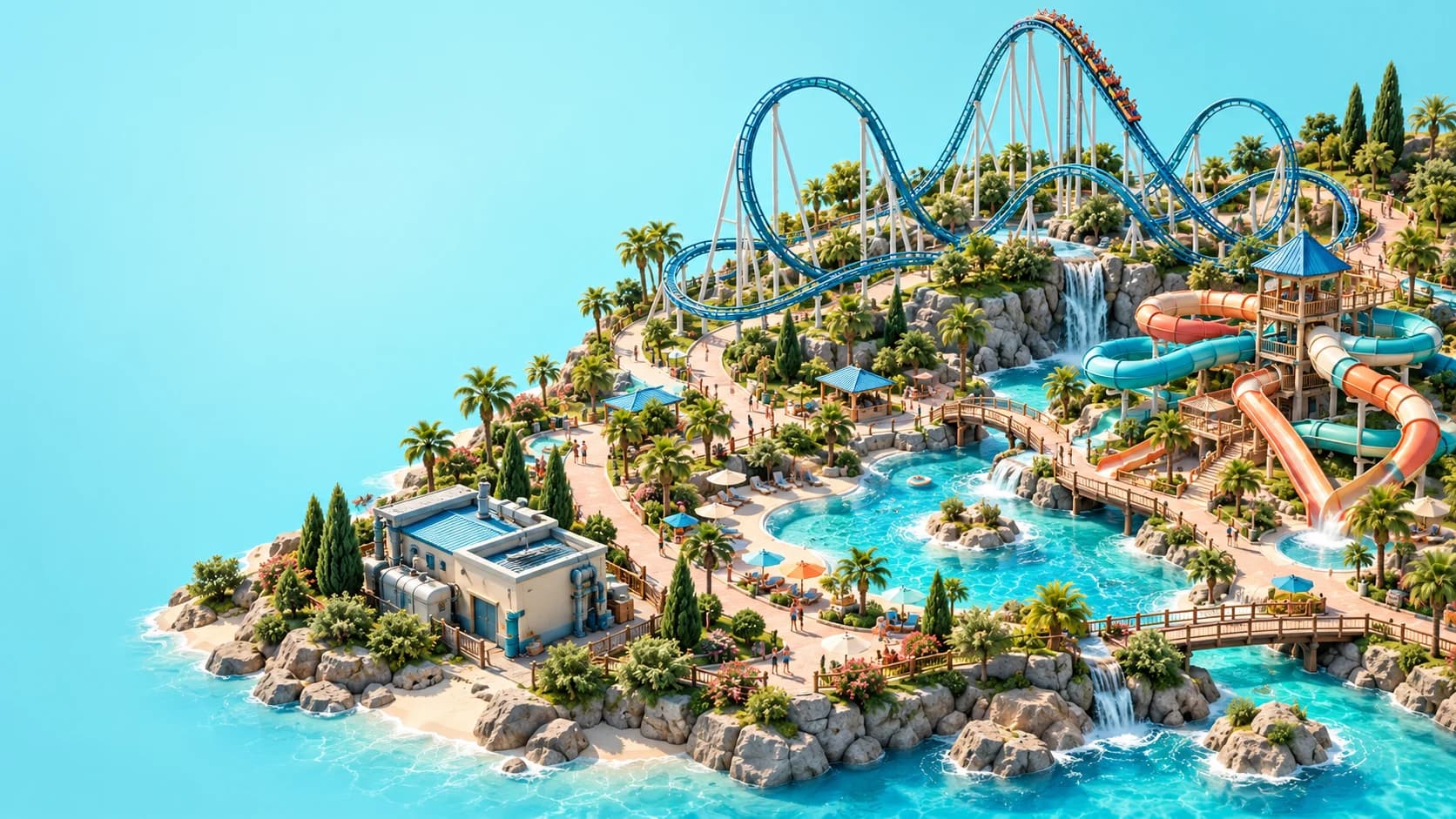
Use Standard Paths for public circulation, Queues for the route into a ride, and Staff Paths for staff-only access. Start with one continuous guest route from the park entrance to the attraction, checking the queue connection and the way out before adding decoration. Use the Draw Tool or Stamp Builder for plazas, and change elevation when you need stairs or raised walkways. If a connection looks right but does not work, inspect the path type, connection and height separately.
This Planet Coaster 2 pathing guide follows the official Building Your Park guide, checked on October 26, 2026. The suggested building order and diagnostic checks are editorial advice based on those documented tools. Use the bindings shown in your own controls menu when following along on PC or console.
01
Choose the correct path type first
Standard Paths form the shared network for guests and staff. Use them for the route from the entrance toward shops, facilities, attractions and other public areas. Before rebuilding a troublesome connection, select the relevant section and check that you have chosen the intended path type.
Queues serve guests waiting to board a ride and connect the public network to its entrance. A queue has two ends, so think of it as one waiting route rather than a branching public intersection. Keep the main pedestrian route distinct from the waiting area when sketching your layout, and leave enough room to inspect both connections.
Staff Paths are restricted to employees. They are useful for connecting service areas without inviting guests through those spaces, but they cannot replace a public approach to a ride or shop. For the people using that network, the staff management guide covers duties, schedules and zones.
02
Trace the complete guest journey
Our recommended first check is to follow the route from the entrance, rather than beginning with the point where guests appear stuck. Work along the Standard Path, inspect the junction into the queue, and then inspect the connection at the ride entrance. Check the exit route as a separate part of the attraction's layout so the journey does not end at boarding.
Make the first version simple enough that every connection is easy to identify. A short test layout gives you fewer joins and elevation changes to inspect while learning the tools. Once that route works, you can extend it into the park you actually want, instead of solving several unfamiliar connections at once.
03
Match the tool to the shape
The Line Builder extends a path through a series of placed points and includes options for straight or curved sections. Classic Paths places individual segments and can be helpful when you want to think about the route one piece at a time. Neither choice is a universal solution: pick the one whose placement feedback makes the current connection easiest to understand.
The Draw Tool creates an area by defining its boundary, while the Stamp Builder places geometric shapes. These suit open paved areas better than repeatedly adding narrow segments. Practise each on a small spare area before using it beside an intricate entrance, where a misplaced shape is harder to distinguish from the intended design.
04
Build plazas as deliberate public spaces
Plazas are larger paved areas made using Standard Paths or Staff Paths. Choose the type according to who should enter that space, then use the Draw Tool or Stamp Builder to establish the broad shape. For a public plaza, our editorial suggestion is to connect its approaches before filling it with scenery and facilities.
A large paved area does not automatically explain how guests should move through your design. Keep the entrances to queues and facilities easy for you to inspect as you build, and consider whether several destinations converge at the same junction. Expand or reshape the area in response to the layout you observe, without treating any particular width as a guaranteed answer.
05
Check Merge and connection settings
The Merge setting controls how new paths interact with existing paths. When it is enabled, intersecting new paths can join the existing network; turning it off gives the existing paths priority, including their appearance and extras. Inspect that setting before drawing repeatedly over a connection that is behaving differently from what you expected.
The Line Builder also provides connection, width, length, angle and height options. Change one relevant option at a time so you can tell which adjustment affected the result. Our diagnostic approach is to separate an unwanted shape from a missing connection: a path can look unattractive yet connect, or look close enough while still needing attention.
06
Approach stairs and slopes gradually
Raised paths, stairs and slopes let you cross gaps and build at different heights. Establish the beginning section, adjust the elevation with your platform's controls, and inspect where the raised route meets its destination. Keep the first attempt straightforward so the join and the incline are both visible.
If the game reports that the path is too steep, try extending its horizontal run or adjusting the angle. Avoid making several height changes at once, because that makes it harder to identify the section responsible. The official page contains inconsistent shortcut wording, so this guide uses tool names rather than assigning one key or controller button to everyone.
07
Edit a small area before replacing everything
The Edit Tool lets you adjust existing path borders, including their position or height. The Rounding Tool smooths corners, while the deletion tools offer ways to remove areas or precise shapes. Select the tool that matches the problem instead of assuming a complete rebuild is necessary.
Before a substantial change, save your park and identify the smallest section you intend to alter. Repair that section, then inspect its neighbouring joins again. This is an editorial workflow for keeping changes understandable, not a promise that every routing issue can be corrected without rebuilding.
08
Separate access problems from busy queues
The official guide notes that a queue can become long enough for waiting guests to extend onto Standard Paths. A crowded public junction therefore deserves a different check from a route that guests cannot reach at all. Inspect where the waiting line begins and how it overlaps the surrounding circulation before adding more decorative paving.
Winding queues can provide more waiting space, and scenery can improve the waiting environment. That does not establish one ideal queue length for every ride or a rule that more queue is always better. For decisions involving attraction appeal, prices and demand, use the money and prestige guide alongside your path checks.
09
Recheck routes after expanding the park
New pools, shops and attractions create new destinations around the original path network. After a major addition, revisit the approaches to neighbouring facilities and check whether a changed plaza, height or queue affected an older connection. Keep service routes in view as well, especially when moving scenery around a backstage area.
The beginner guide helps organise your first functioning park, and the pools and flumes guide covers the extra facilities needed for swimming. For a custom attraction, continue with the coaster building guide. A working approach is one part of opening an attraction, so read its own status information when the route appears complete.