
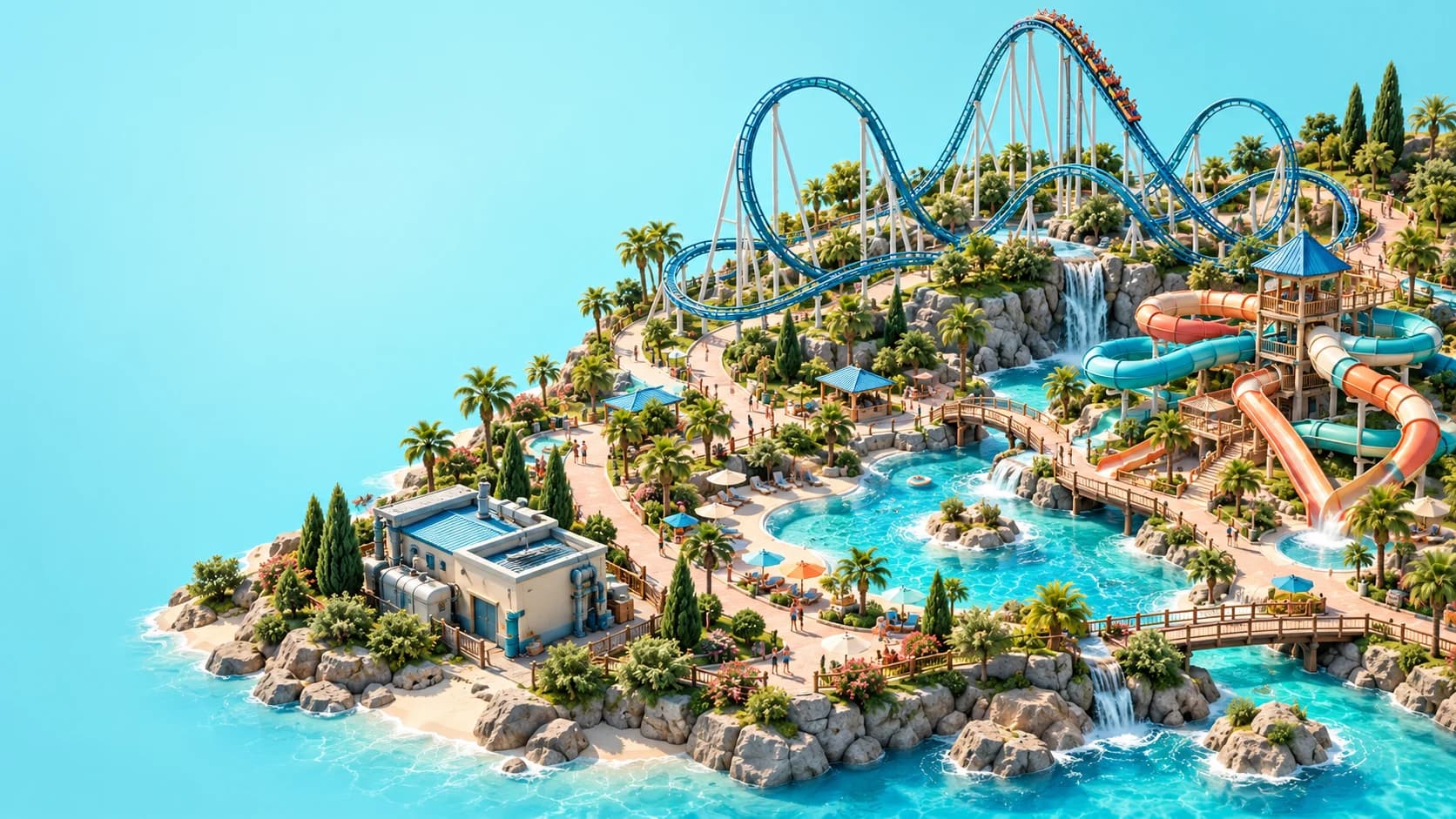
Start Planet Coaster 2 with the Campaign Prologue, as Frontier's Quickstart Guide recommends, then build a small attraction that guests can reach and staff can operate. Check its entrance, queue, exit and utilities before expanding. A functioning first park teaches more than a large collection of disconnected rides.
This Planet Coaster 2 beginner guide uses official material reviewed on October 26, 2026. The suggested building order is editorial advice drawn from documented dependencies, rather than a timed walkthrough or a guaranteed money strategy. Use your current scenario objectives and the options shown in your game when they differ from a general example.
01
Choose a mode before choosing a layout
Career, Sandbox and Franchise offer different starting points. Career introduces scenarios and objectives, while Sandbox gives you more freedom to develop your own project; its Creative and Challenge settings also change the kind of experience you are choosing. Franchise connects park building with its shared framework, so it is worth understanding that mode before planning a collaborative project.
For a first session, follow the Prologue and read the objectives as they appear. If you prefer learning through experimentation, use Sandbox to practise one building task at a time. Check the available settings instead of assuming that every option or constraint is identical across modes.
02
Begin with a manageable attraction
Pick one attraction and leave room around it for the paths, queue, exit and supporting facilities it needs. Our suggested starting approach is deliberately small: complete one operating loop, observe it, and add the next element when you understand what is working. This is a learning strategy, not an official optimal layout or an exact first-hour build order.
Think of each new attraction as a service commitment as well as a construction project. It may need power, an attendant, maintenance access and enough guest facilities nearby to support a visit. Drawing the ride is only one part of making it usable.
03
Connect the whole guest journey
Standard Paths, Queues and Staff Paths serve different purposes. Guests need a public route from the park entrance to the attraction, with a queue connecting that public network to the ride entrance and an appropriate route away from the exit. A staff-only route cannot replace the public connection simply because it looks close to the same destination.
When a ride receives no visitors, trace that journey from beginning to end. Look at the joins rather than judging them from a distant camera angle; neighbouring pieces are not necessarily connected. The paths and queues guide explains how to separate access problems from a ride's other operating requirements.
04
Treat utilities as a connected system
Use the utility views to check supply, connections and coverage separately. Power generation, cables and distributors form a network, while the displayed service range tells you which attractions or facilities it can reach. Building a generator beside a ride is not the same as confirming a working connection with sufficient capacity.
The park entrance provides a starter amount of power and water, but that does not remove the need to inspect demand as the park grows. Generators and pumps also need mechanic access and servicing. Consult the power and water guide before buying extra infrastructure to solve an unidentified warning.
05
Make a water park usable before decorating it
A pool needs more than an attractive shape. Plan public access, pool entry, clean filtered water and the facilities that allow guests to swim; Guest Services sells Pool Passes, and guests need Changing Rooms. Those rooms also add cleaning work, so the operational plan extends beyond the water itself.
Lifeguard Chairs or Posts cover areas of view rather than automatically protecting every part of a large pool. Inspect the Pool Safety heatmap and arrange cover when staff take breaks. The pools and flumes guide brings these dependencies together before you commit to an elaborate layout.
06
Match staff roles to actual work
Hiring more people does not automatically solve every staffing problem. Attendants, mechanics, janitors and lifeguards have different duties, so first identify the role required by the attraction or facility that is struggling. Then check whether the relevant employee can reach the work and has an appropriate assignment.
Review the Staff Schedule and provide reachable Staff Room capacity for breaks. Staggering breaks is a practical way to avoid leaving several essential posts uncovered together, but there is no universal employee ratio for every park. The staff management guide covers schedules, zones and morale in more detail.
07
Read guest feedback before adding another ride
Use guest thoughts and the relevant management views to identify what is preventing a satisfying visit. A complaint about access, services or an unavailable attraction calls for a different response from a lack of variety. Adding a new ride may increase the amount of work without addressing the problem guests already encounter.
Our recommended habit is to make one targeted change, then inspect the same feedback again. That makes the result easier to interpret than changing prices, paths, staffing and scenery at once. Heatmaps help connect a visible complaint with the part of the park that needs attention.
08
Separate cash in the bank from sustainable income
The finance views distinguish income from construction, staffing, utilities and other running costs. Inspect those categories before deciding that an attraction is profitable or that the park can comfortably support another expansion. Loan proceeds also differ from earned income: repayments and the associated sales cut remain part of the commitment.
Treat pricing as something to evaluate against guest response. Different price modes are available, but a single suggested ticket price cannot account for every park and attraction. The money and prestige guide explains how to diagnose finances without relying on an invented profit formula.
09
Unlock research through a working workshop
Research Points come from mechanics working in an open Mechanic Workshop. Check staff access, assignment and the current schedule before assuming that placing the building is enough. Breaks and other work commitments can also matter when you are investigating a lack of progress.
Spend the points through the Research area in Park Management and follow the tree shown for your mode and chapter. The research guide separates those mechanics from the Frontier Workshop, which is used for shared creations. Similar names do not mean that downloading a blueprint produces research progress.
10
Test custom builds and expand with a purpose
When you move into custom coaster construction, complete and test the ride before opening it. Review the experience results and the sections highlighted by testing, then make a focused adjustment and test again. The coaster building guide explains why smoothing alone does not replace checking the full ride.
For your next expansion, choose a problem you can name: a missing service, a weak rating component, a new attraction type or a creative project. Shared parks use turn-based asynchronous editing rather than simultaneous construction; read the multiplayer guide before organising a group session. Keep each step small enough to understand, and let a working park give you the evidence for the next decision.