
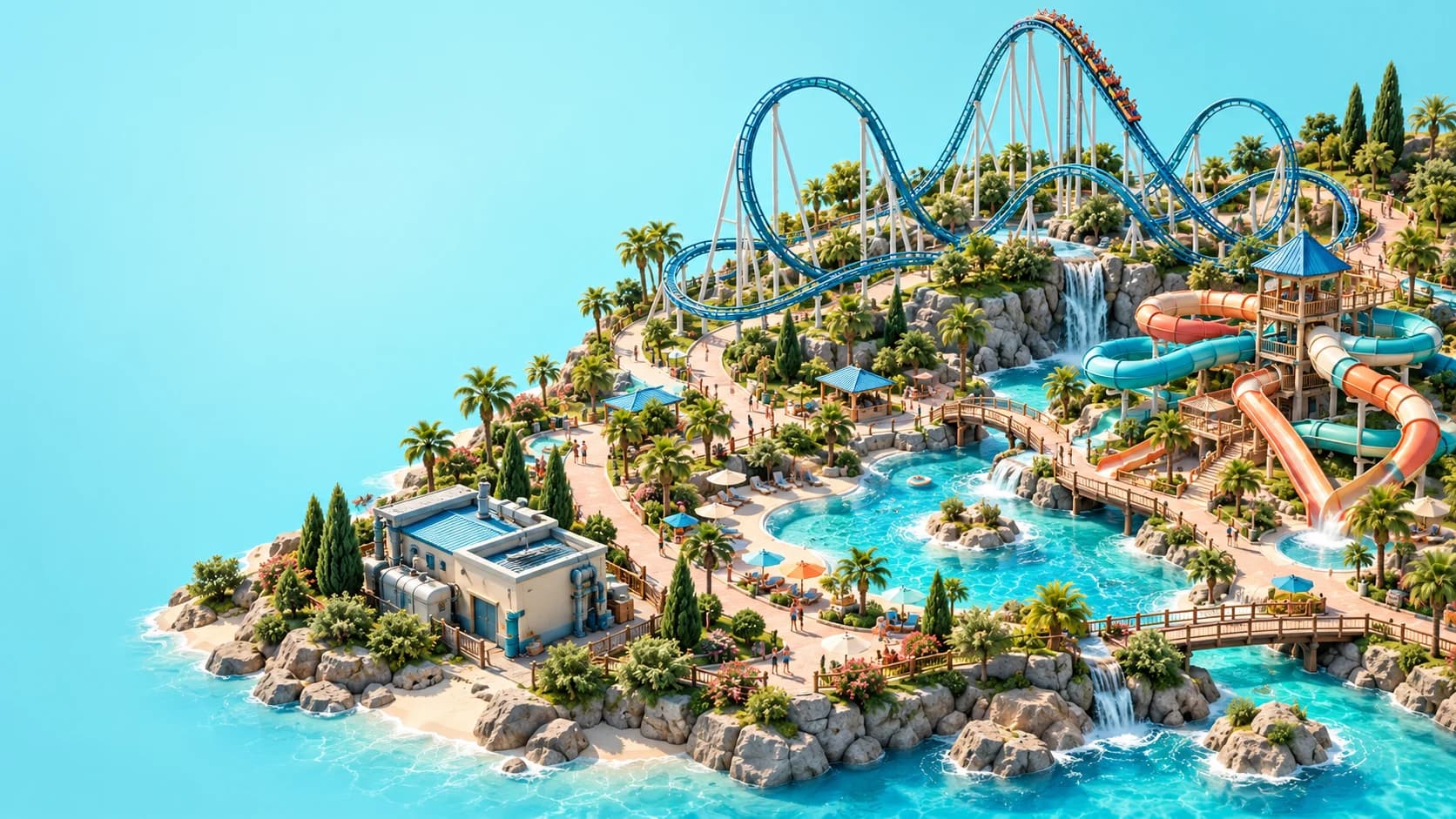
Planet Coaster 2 power needs a working source, connected cables and a distributor covering the attraction with enough available capacity. Pool and flume water follows a different chain: Water Pump → Water Pipe → Water Filter. The pump also needs power, so investigate electricity before replacing water equipment when both services appear to have stopped.
This guide uses official documentation reviewed on October 26, 2026. The troubleshooting order below is editorial advice based on those documented dependencies, rather than a reproduced in-game test. Use the capacity values, service ranges and warnings displayed in your current park; there is no single equipment layout that fits every site.
01
Separate connection, coverage and capacity
A utility problem can look similar on the surface while having different causes. An attraction might be outside a service range, its supplier might be disconnected, or a connected network might lack enough capacity. Physical closeness alone does not establish any of those conditions, so inspect the relevant utility view instead of immediately placing another building.
Our suggested diagnostic order is to check the source, trace the connection, inspect the destination's coverage and then compare demand with available supply. If those checks pass, inspect equipment condition and service access. This sequence keeps each purchase tied to an identified problem rather than treating extra infrastructure as a universal repair.
02
Build the electricity chain from the source
Generators and solar panels are sources of power. Cables carry that supply to distributors, and a powered distributor serves eligible rides and facilities within its displayed range. A distributor is therefore part of the delivery network, not a replacement for a working source of electricity.
When connecting a new area, inspect the whole chain rather than only the building nearest the attraction. Confirm that the intended source is working, the cable route connects and the distributor is receiving supply. Then select the attraction or use the relevant heatmap to check whether the final destination is actually covered.
03
Use the displayed range rather than a visual guess
An attraction can sit near a distributor without receiving the service it needs. Use the range shown by the game to inspect the position of the ride or facility, especially when the layout contains several neighbouring attractions. Decorative proximity is not evidence that the operational connection is complete.
For example, imagine expanding a coaster area beyond the distributor that served your original ride. Before moving the generator, inspect the new attraction's service status and the distributor's coverage. If coverage is the missing dependency, address that part of the network; if the distributor itself has no supply, trace back toward the source instead.
04
Compare demand with available supply
A connected network still needs enough capacity for the things it serves. Inspect the current and available values shown in the utility interface when opening a new attraction or extending a water park. The park entrance supplies a starter amount of electricity and water, but a successful small opening does not establish that every later expansion is covered.
Treat added demand as a reason to review the network, not proof that you need a particular number of generators. The appropriate response depends on the equipment, connections and demand visible in your park. Check the money and prestige guide when deciding how utility expansion fits the broader operating budget.
05
Connect pumps, pipes and filters in order
Water Pumps provide water through Water Pipes to Water Filters. Filters then serve pools and flumes within their displayed range, so a complete pipe route and adequate supply must accompany useful filter placement. Placing the filter close to a pool cannot compensate for a pump that is not supplying its network.
Trace the route from the pump through the pipes to the filter before changing the pool itself. Inspect the filter's coverage and the network's available capacity as separate questions. Wells and towers are research alternatives documented by Frontier, but use the options actually available in your current research tree rather than assuming every park starts with the same equipment.
06
Check electricity when a water system stops
The Water Pump needs electrical power. That creates a dependency between the networks: a power failure can leave the water system without its working source even when the pipes and filters have not moved. Check the pump's status before concluding that every downstream water component needs replacement.
A useful editorial example is a pool that loses service after nearby park expansion. Inspect the pump's electricity first, then its condition, pipe connection, available water supply and the filter's range. Change the component implicated by the evidence and check the same warnings again, rather than rebuilding the entire network in one step.
07
Keep equipment reachable for mechanics
Generators and pumps need servicing, and mechanics need access to perform that work. Poor equipment condition reduces output; refurbishment restores condition. A network that once met demand can therefore develop a supply problem without any change to the visible arrangement of its cables or pipes.
Inspect both the equipment warning and the route a mechanic would use to reach it. Then review the relevant assignments and schedule rather than assuming that an employed mechanic is available for every task at every moment. The staff management guide explains how access, work commitments and breaks fit together.
08
Account for weather when reviewing power
Frontier's current Facilities guide describes lower solar efficiency during cloud or rain and the possibility of lightning damaging generators. That makes weather part of a supply investigation, particularly if the network worked before conditions changed. Check the current state of the equipment and the supply readings instead of assuming that an unchanged layout guarantees unchanged output.
For planning, our editorial suggestion is to inspect how your chosen sources support the attractions already in service before opening more. Keep maintenance access usable as you add scenery and buildings. This guide does not prescribe a universal backup ratio or a fixed capacity margin because the retrieved sources do not establish one for every park.
09
Distinguish utility warnings from other pool requirements
Clean filtered water is only one part of operating a pool or flume area. Guests also need appropriate access and supporting facilities, while lifeguard cover and staffing present their own checks. If the water network is working, continue investigating the specific warning rather than assuming another filter will solve an unrelated problem.
Use the pools and flumes guide for that wider opening checklist. Keep tracked water rides such as log flumes separate from this pool and flume filtration network; their appearance does not mean they require the same system. Name the attraction type and its actual warning before applying advice from a different category.
10
Recheck the affected attraction after each change
After adjusting a connection, source or service position, return to the original attraction and inspect its status again. Confirm the result through the utility views and available readings rather than taking the disappearance of one warning as proof that every operating requirement is satisfied. A ride can still need a connected queue, an exit route or the right staff after its power problem is resolved.
The beginner guide brings those dependencies into a complete opening process. Expand once you understand which part of the network serves the new area and how it will be maintained. A clear chain from source to destination gives you a repeatable diagnostic method without inventing exact output figures, coverage radii or construction costs.